
Introduction
Business operations depend on a series of interconnected workflows, customer onboarding, invoicing, inventory updates, and order processing. When these workflows are executed manually or across disconnected systems, delays, data inconsistencies, and human errors occur. Aonflow provides a reliable low-code integration platform that automates workflows between systems such as Microsoft Dynamics 365, Business Central, Salesforce, HubSpot, QuickBooks, and WooCommerce. The platform enables businesses to standardize and automate recurring operations while maintaining visibility and control.
The Challenge: Managing Complex, Repetitive Processes
Organizations use multiple applications to handle operations across departments. Each system has its own data model, user interface, and access structure. As a result, tasks that should be automated such as generating invoices after sales orders, updating stock after shipments, or syncing payments between finance systems often require manual intervention.
Common pain points include:
- Redundant data entry across systems.
- Delayed execution of dependent tasks, such as approvals or follow-ups.
- Missed updates that affect financial reporting or order fulfillment.
- Difficulty tracking task progress across departments.
These inefficiencies reduce productivity and introduce errors into mission-critical processes. Aonflow resolves these challenges by connecting applications and automating data movement and event-based actions.
Aonflow’s Approach to Workflow Automation
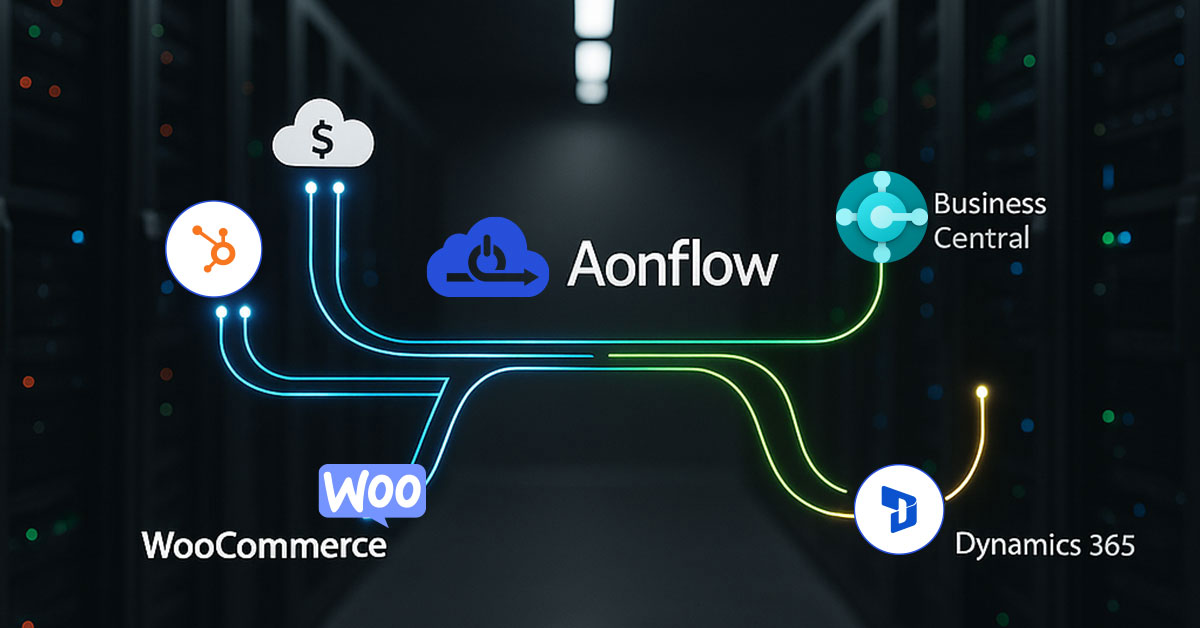
Aonflow’s automation engine is built around event-driven workflows. Each workflow is triggered by a defined event—such as the creation or update of a record—and executes a series of actions across connected applications.
Administrators design workflows in Aonflow’s low-code environment by selecting triggers, defining actions, and mapping data fields between systems. Once activated, the automation runs continuously in the background without user intervention.
For example:
- A new customer added in Salesforce automatically creates a customer record in Business Central.
- An order marked as “fulfilled” in WooCommerce updates the invoice status in QuickBooks.
- When payment is received in QuickBooks, Aonflow updates the customer balance in Dynamics 365.
Each of these workflows operates securely, consistently, and without coding effort.
Workflow Structure in Aonflow
A standard Aonflow workflow consists of:
- Trigger: The event that initiates automation, such as “Record Created” or “Record Updated.”
- Condition: Optional filters that specify when the workflow should execute (for example, only for certain products or regions).
- Action: The operation performed in the target system, such as “Create Record,” “Update Record,” or “Send Notification.”
- Mapping: Field-level configuration that determines how data moves between systems.
- Execution: Aonflow performs the action, logs the result, and makes it available for monitoring.
Workflows can be configured for single-step or multi-step automation, depending on business requirements.
Benefits of Automating Workflows with Aonflow
1. Faster Process Execution
Tasks that previously required manual entry or approval now run automatically, reducing turnaround times.
2. Consistent Data Across Systems
Automation ensures that records in CRM, ERP, and accounting systems always reflect accurate, up-to-date information.
3. Increased Productivity
Employees spend less time on repetitive administrative work and more time on strategic activities such as analysis or customer engagement.
4. Reduced Error Rates
Automated data transfers eliminate manual entry mistakes that often cause reporting or compliance issues.
5. Visibility and Auditability
Aonflow logs every workflow execution, enabling teams to review, audit, and verify transactions easily.
6. Scalable Framework
New workflows can be added as operations expand without disrupting existing automations.
Example: Multi-System Workflow in Operation
A distribution company running Business Central for finance, Dynamics 365 for CRM, and WooCommerce for online sales implemented Aonflow to automate order-to-cash operations.
The configured workflow performs the following sequence:
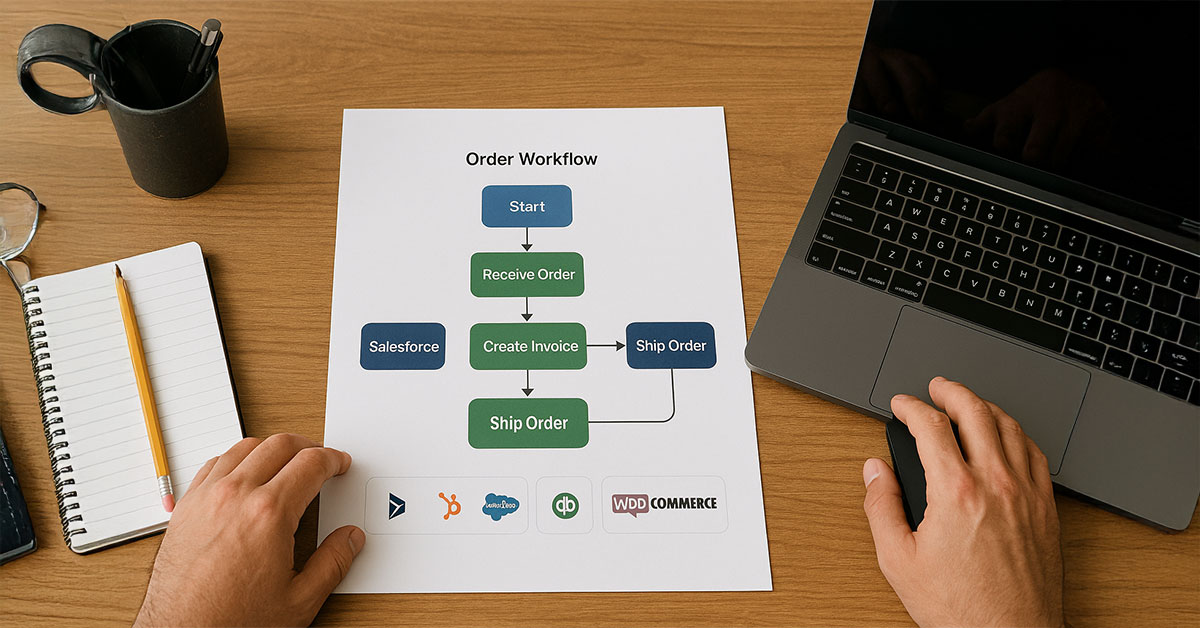
- When an order is placed in WooCommerce, Aonflow automatically creates a corresponding sales order in Business Central.
- Once the order is fulfilled, the workflow generates an invoice and updates payment status in QuickBooks.
- The integration then updates customer records in Dynamics 365 with the latest billing information.
This automation reduced order processing time from several hours to minutes. All records now update in real time, ensuring accurate inventory and revenue tracking.
Monitoring and Control
Aonflow provides a central dashboard that displays the status of all workflows, including successful and failed transactions. Administrators can search logs, filter results by system or date, and investigate specific workflow runs.
In case of a failure, Aonflow identifies the cause—such as a missing field or incorrect mapping—and allows users to reprocess the transaction once corrected. This transparency ensures continuous, reliable automation.
Integration with Existing Systems
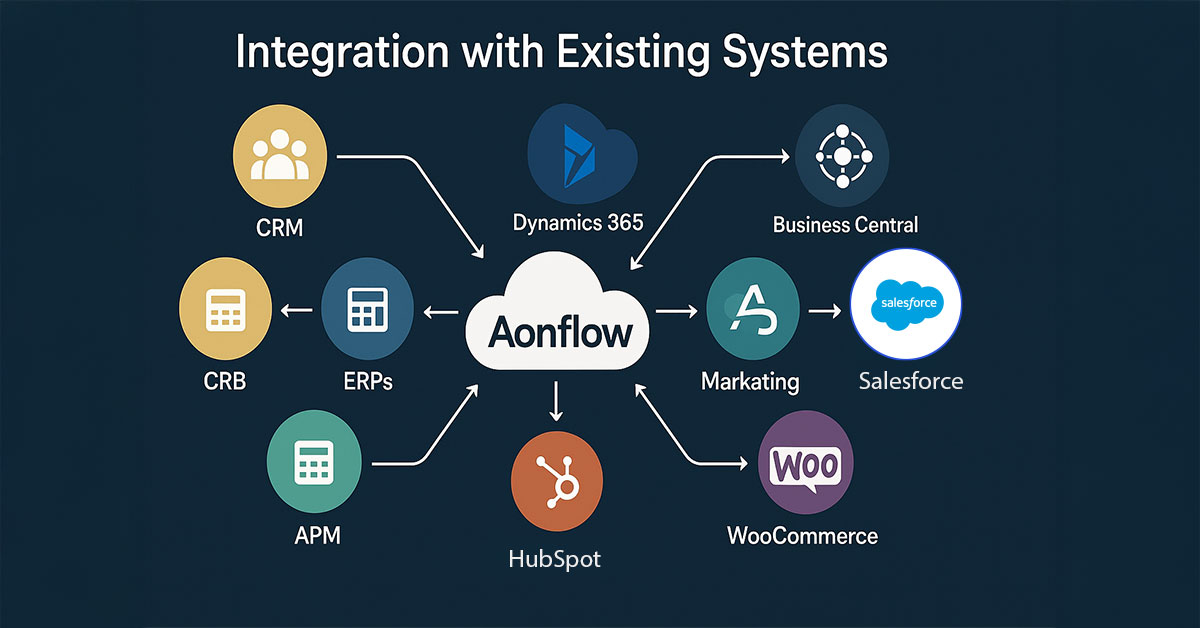
Aonflow’s workflow automation is compatible with a wide range of business systems, including CRMs, ERPs, marketing platforms, and accounting tools. Because it operates as a cloud-based iPaaS, no local installation or additional middleware is required.
Existing Aonflow connectors—such as those for Dynamics 365, Salesforce, Business Central, QuickBooks, HubSpot, and WooCommerce—can be combined to create complex multi-system workflows. Each connector uses standardized authentication, data mapping, and logging protocols to maintain consistency and security.
Scalability for Expanding Operations
As organizations grow, new processes and applications can be added to existing workflows. Aonflow’s modular architecture allows for unlimited workflow creation and modification without rewriting code or disrupting running automations.
For example, a company that starts with a single WooCommerce–Business Central integration can later expand to include HubSpot or Salesforce, linking marketing, sales, and finance operations into one unified workflow ecosystem.
Conclusion
Workflow automation is critical for organizations seeking to increase efficiency, accuracy, and responsiveness. Aonflow provides a proven platform to automate operational processes across CRMs, ERPs, and eCommerce systems.
Through its low-code interface and prebuilt connectors, Aonflow simplifies setup while maintaining enterprise-grade security and reliability. Every workflow runs transparently, synchronizing data and executing tasks automatically across connected systems.
Businesses using Aonflow achieve measurable gains in productivity, data accuracy, and process speed. The automation engine is live and available through Aonflow’s iPaaS platform for immediate deployment.
Learn more at www.aonflow.com.
Get Started with Aonflow iPaaS – Free Trial Available!
Build and deploy your integrations at zero cost. No credit card required!