
You bought the new system in March. Finance signed off, the vendor ran a smooth onboarding, and by April your team was working in it. Then someone asked the obvious question: can it talk to the systems we already run? IT came back with an estimate. Six weeks, one contractor, and a maintenance conversation to have later.
That estimate is where most small and mid-sized integration projects quietly stall. The company is too small to keep an integration developer on staff, but too complex to keep re-keying orders, invoices, and customer records by hand. So the new app sits in a silo, the spreadsheet exports continue, and the return on that purchase arrives months late.
Something has genuinely changed, though. The custom development project is no longer the default answer. Platforms like Aonflow let business and IT users build, run, and monitor integration flows themselves, using pre-built connectors instead of code. That shift is real, and it is worth understanding precisely, because the part that disappears and the part that stays are not the same thing.
So Is Integration Engineering Over for SMBs?
Not entirely. The integration development project is ending for most small and mid-sized companies. The integration decisions are not.
Writing connector code, hand-rolling authentication, and building retry logic from scratch have all moved into the platform. Deciding which system owns a customer record, what happens when two systems disagree, and who gets alerted at 2am has not moved anywhere. It still belongs to you. The rest of this post separates the two, so you know what to stop budgeting for and what to keep owning.
What Disconnected Systems Actually Cost You
The cost rarely shows up as a line item, which is exactly why it survives so long. Instead, it shows up as friction spread across the week.
Someone in finance exports orders on Monday and re-enters them by Wednesday. A customer calls about an address change, and the change lands in one system but not the other. Fulfilment ships to the old address. Then support spends an hour reconstructing what happened, because no single system holds the whole story.
The pattern repeats in a few predictable ways:
- Manual re-keying. A person becomes the integration. They are reliable until they take a holiday.
- Stale data. Sales quotes from yesterday’s inventory. Finance invoices from last week’s pricing.
- Brittle point-to-point links. A script somebody wrote in 2023 breaks when a vendor changes an API version, and nobody remembers who owns it.
- No proof the data moved. The worst category. You do not know a sync failed until a customer tells you.
For a 60-person company, none of these are catastrophic on their own. Together, however, they set a ceiling on how fast you can grow without adding headcount. That ceiling is the real cost.
The Six-Week Estimate, and Why It Was Honest
It is tempting to blame IT for the six-week estimate, but the estimate was usually correct. Traditional integration work was genuinely engineering work.
A developer had to read two sets of API documentation, handle two authentication schemes, and reconcile two data models that disagreed about something as basic as what a “customer” is. Then came the unglamorous half: pagination, rate limits, retries, error logging, alerting, and a place to run the whole thing. Those limits are enforced, not theoretical. Salesforce, for example, allocates inbound API requests per 24-hour period based on your edition and user licences, so a naive sync loop can exhaust an org’s allocation and stop working (Salesforce API request limits).
None of that was optional, and none of it was fast. As a result, integration became something SMBs did once, badly, and then avoided.
What Changed: The Work Moved From Code to Configuration
The category that absorbed this work is integration platform as a service, which Gartner defines as a suite of cloud services for developing, executing, and governing integration flows across applications and data (Gartner IT glossary). In plain terms, the platform now owns the plumbing so you can own the design.
Aonflow handles the layer that used to consume the six weeks:
- Pre-built connectors. Fourteen dedicated connectors cover common CRM, ERP, finance, and e-commerce systems: Salesforce, Microsoft Dynamics 365, Business Central, NetSuite, Shopify, WooCommerce, HubSpot, Zoho CRM, Stripe, QuickBooks Online, Google Sheets, Twilio, Slack, and Microsoft Teams. Beyond those, generic REST and SOAP connectors extend reach to hundreds of other applications, and custom connectors cover legacy or proprietary systems.
- Near real-time data sync. Records stay aligned across connected systems without waiting for a nightly batch window.
- Workflow automation. Multi-step flows move and transform data across several apps, not just two.
- AI-assisted mapping. The platform proposes field matches instead of making you build them one by one, which reduces integration time by more than half.
- Monitoring and alerts. Dashboards, logs, and alerts on flow execution, so a failure surfaces to you rather than to your customer.
- Self-healing flows. The platform detects flows that are breaking or failing and recovers them.
Notice what is on that list and what is not. Every item is plumbing, orchestration, or visibility. None of them decide how your business should behave. That distinction is the whole argument.
A Connected Flow Without a Developer
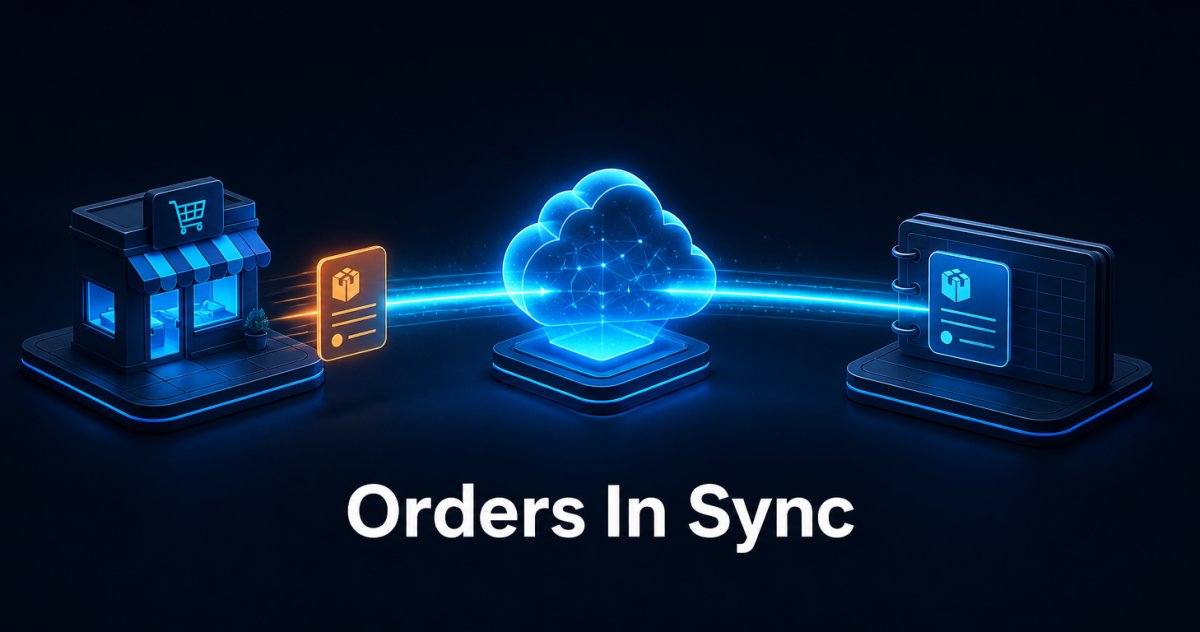
Consider a distributor selling on Shopify and running finance in NetSuite. Before, orders arrived in Shopify and a person moved them into NetSuite in batches, usually a day behind.
With a flow in place, the sequence is unremarkable, which is the point. A customer places an order. Shopify publishes an event to subscribed applications through its webhook topics (Shopify webhooks documentation). Aonflow picks up the order, maps the line items, taxes, and customer record to the fields NetSuite expects, and writes it through. Finance sees the order in near real-time. Fulfilment works from the same numbers. Nobody exports anything.
Building that flow follows a short sequence. First, choose the connector. Next, review the field mapping the platform proposes. Correct what it cannot infer, such as compound names, mismatched order statuses, or the identifier that ties a record in one system to the same record in the other. Then set the direction and the trigger. Finally, run it against a small batch before you widen the scope.
The same shape applies elsewhere. Business Central exposes a standard REST API that third-party services use to interchange data (Business Central API v2.0). So keeping accounts aligned between Business Central and Salesforce follows the same pattern. So does pushing financial records between QuickBooks Online and Business Central. Each one is a configuration exercise, not a new project.
The Decisions No Platform Can Make for You
Here is where the “end of integration engineering” framing breaks down. Configuration removed the code, but it did not remove the thinking. Five questions arrive on your desk regardless of which platform you pick.
- Which system is authoritative? If Salesforce and Business Central disagree about a customer’s billing address, one of them has to win. That is a business rule, not a technical setting.
- What is the direction of travel? One-way sync is simpler and safer, and it is the right choice for a first flow. Two-way sync is more useful and more demanding, because you must define conflict resolution explicitly.
- What triggers the flow? Event-driven flows react the moment something happens. Scheduled flows run on an interval, which suits reference data that changes rarely.
- What counts as a failure? A skipped record with a missing tax code might be a warning on Monday and an emergency during a sale. You set that line, and you decide who receives the alert.
- What is the blast radius? Start with one object and one direction. Add scope only after the pattern proves itself.
Consequently, integration stops being a development task and becomes an operating decision. In most SMBs, that moves it from a contractor’s backlog to the IT head’s desk, which is a better place for it. The role changes from builder to designer, and the designer needs to understand the business process more than the API.
It is worth being precise about the AI layer here too. AI-assisted mapping, LLM-based flow building, and self-healing flows all speed the work up considerably. They assist rather than replace you. A person still reviews the mapping, approves the flow, and owns the outcome.
Governance, Monitoring, and Knowing the Data Moved
The objection we hear most often is not about capability. It is about trust. If a business user can build a flow that writes to the general ledger, what stops the wrong flow from running?
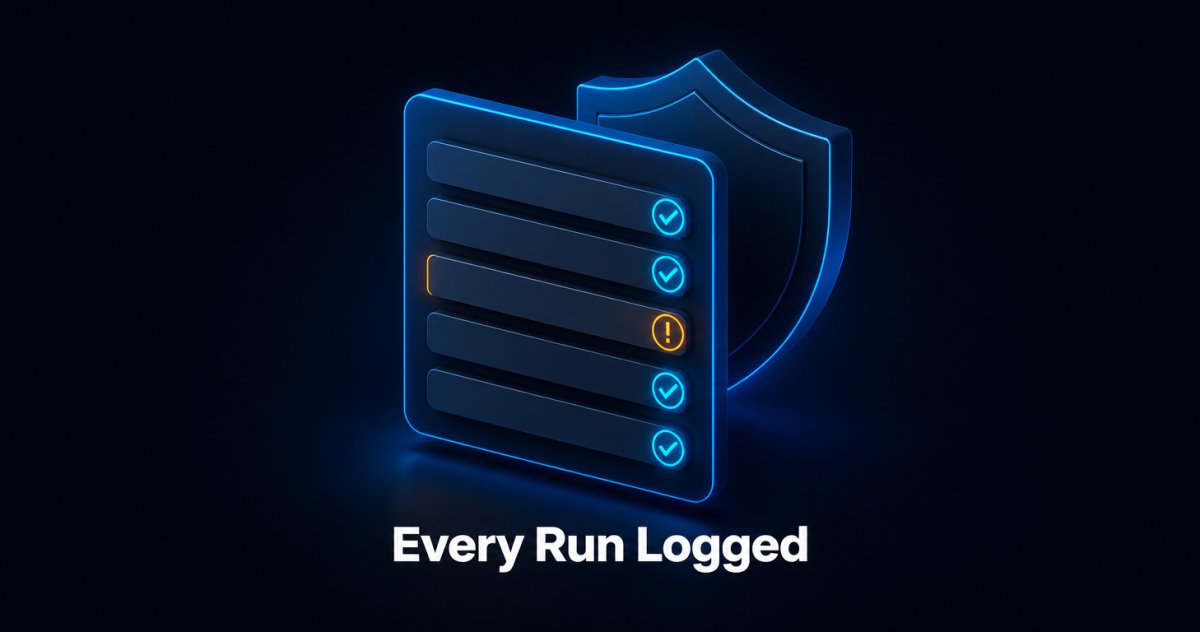
Aonflow addresses this with role-based access control, encryption, and audit trails, plus dashboards, logs, and alerts covering every flow execution. Data in transit is protected over HTTPS, and HTTP access is available through read-only tokens. That combination gives you two things that matter when someone asks how the data moved: a record of who changed what, and evidence that a given run completed.
To be clear about the boundary, Aonflow holds no formal compliance certifications at this time. Security posture and certification are different things. If your board or your customers require a specific attestation, ask the Aonflow team directly rather than inferring it from a feature list.
What This Means for Your Next App Purchase
The practical change is in sequencing. Integration used to be a phase you scheduled after go-live, budgeted separately, and often deferred. Now it can run alongside onboarding, because the effort is measured in configuration sessions rather than sprints.
Before you sign the next contract, ask three questions:
- Does a dedicated connector already exist for this app? If yes, your timeline shortens considerably. If no, a generic REST or SOAP connection is still a normal path, and a custom connector covers the rest.
- What is the smallest useful flow? One object, one direction, one trigger. Prove the pattern before you automate the whole department.
- Who owns it after launch? Name a person, not a team. A flow without an owner becomes the same orphaned script you were trying to escape.
The Bottom Line
Integration engineering is not ending for SMBs. The integration development project is ending, and that is a genuinely good outcome for a company that was never going to hire an integration team. What remains is smaller, clearer, and better suited to the people who understand your operations.
You still decide which system tells the truth, how conflicts resolve, and what happens when a run fails. Aonflow handles the connectors, the mapping assistance, the near real-time sync, and the monitoring underneath those decisions. If you have an app waiting to be connected, see how it works at aonflow.com, or build a single flow and judge the platform on that.
Aonflow iPaaS – Free for First 3 Months!
Build and run up to 1,500 transactions monthly with no cost. No payment info needed!